
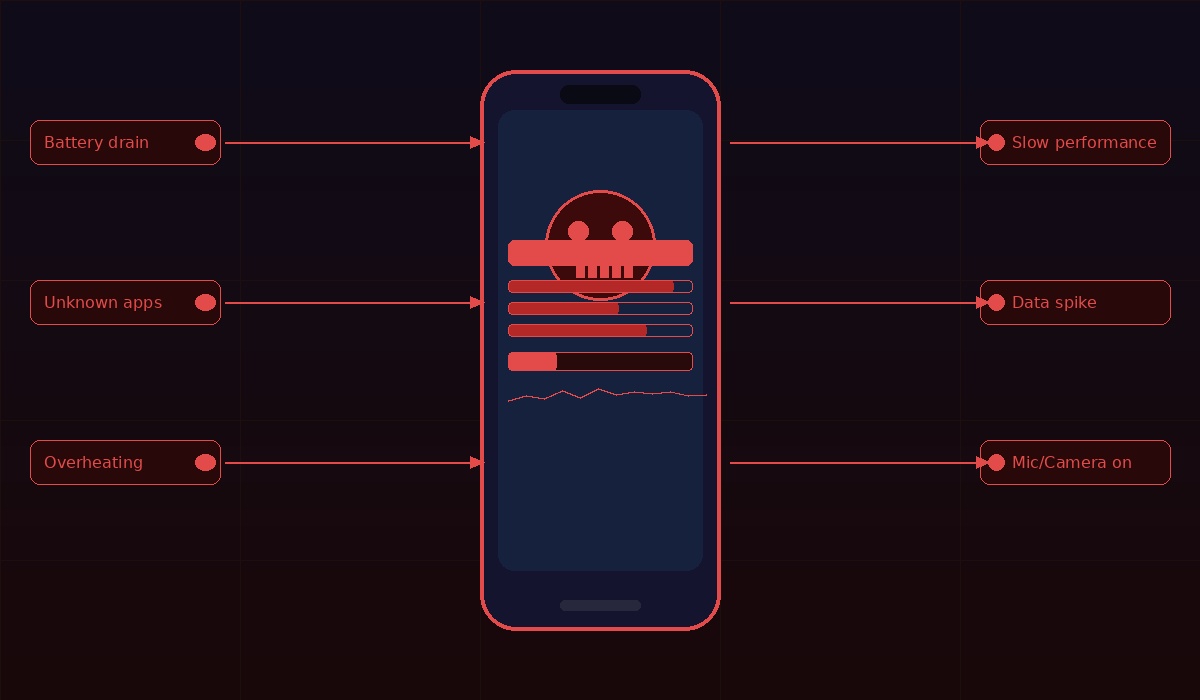
We carry our entire lives in our pockets — bank accounts, private messages, work emails, personal photos. That makes your smartphone one of the most valuable targets for cybercriminals today. And the scary part? A 2025 cybersecurity report found that nearly 1 in 5 mobile devices had some form of malware installed. Most people had no idea.
The good news is that hackers almost always leave clues. Here are 10 signs you should never ignore.
1. Your Battery Is Draining Way Too Fast
If you’re charging your phone twice a day without doing anything different, pay attention. Malware running quietly in the background can drain your battery far quicker than normal — constantly sending your personal data to remote servers and running hidden processes you can’t see.
2. The Phone Gets Unusually Hot
A warm phone while gaming or streaming is normal. But if your phone is hot while it’s just sitting on your desk doing nothing, that’s a red flag. Malicious software running in the background can cause your device to heat up even when you’re not actively using it.
3. You Notice Apps You Never Downloaded
If you spot an app on your phone that you didn’t install, a hacker may be responsible. Some pre-installed bloatware can look suspicious, but apps that are hard to delete or come with unusual permissions deserve a closer look.
4. Your Data Usage Has Mysteriously Spiked
Check your monthly data breakdown. If your online habits haven’t changed but your data usage has shot up, a malicious app running in the background may be the culprit — quietly transmitting your information elsewhere.
5. Random Pop-Ups Are Taking Over Your Screen
Persistent pop-up ads appearing outside of apps you’re using are a classic sign of adware infection. If you’re seeing them even on your home screen or while doing nothing, don’t tap them — they’re likely designed to steal information or install more malware.
6. Your Phone Feels Slow or Keeps Crashing
If your device freezes, crashes, or lags significantly, malicious software may be consuming its processing power and memory. While older phones do slow down naturally, a sudden performance drop on a relatively new device is worth investigating.
7. Websites Look Distorted or Redirect You Somewhere Else
If websites you regularly visit suddenly look different or redirect you to strange pages, malware may be routing your web traffic through a malicious proxy — allowing hackers to spy on everything you type, including passwords and banking details.
8. Your Camera or Microphone Turns On by Itself
This one is genuinely alarming. Spyware and stalkerware apps can use your phone’s camera or microphone to monitor you without your knowledge. On iPhone, a green indicator light means an app is actively using your camera; an orange light means it’s using your microphone. If you see these when you’re not on a call or taking photos, investigate immediately.
9. You’re Receiving Unexpected 2FA Codes or Password Resets
If you receive two-factor authentication codes you didn’t request, it likely means someone already has your password and is trying to get past the final layer of security. Act fast — change that password immediately from a trusted device.
10. Strange Calls or Texts You Didn’t Send
If outgoing calls you didn’t make show up in your call log, or contacts report receiving odd messages from you, your phone has almost certainly been compromised. You can even dial *#21# to check whether your calls or messages are being secretly forwarded to another number.
What Should You Do?
If several of these signs apply to you, don’t panic — but do act fast. Start by deleting unfamiliar apps, running a trusted mobile security scan, and changing your most important passwords from a different, secure device. If the problem persists, a factory reset may be your safest option.
In 2026, phone security isn’t optional. The threat is real, but so are the defenses — you just have to know what to look for.
