
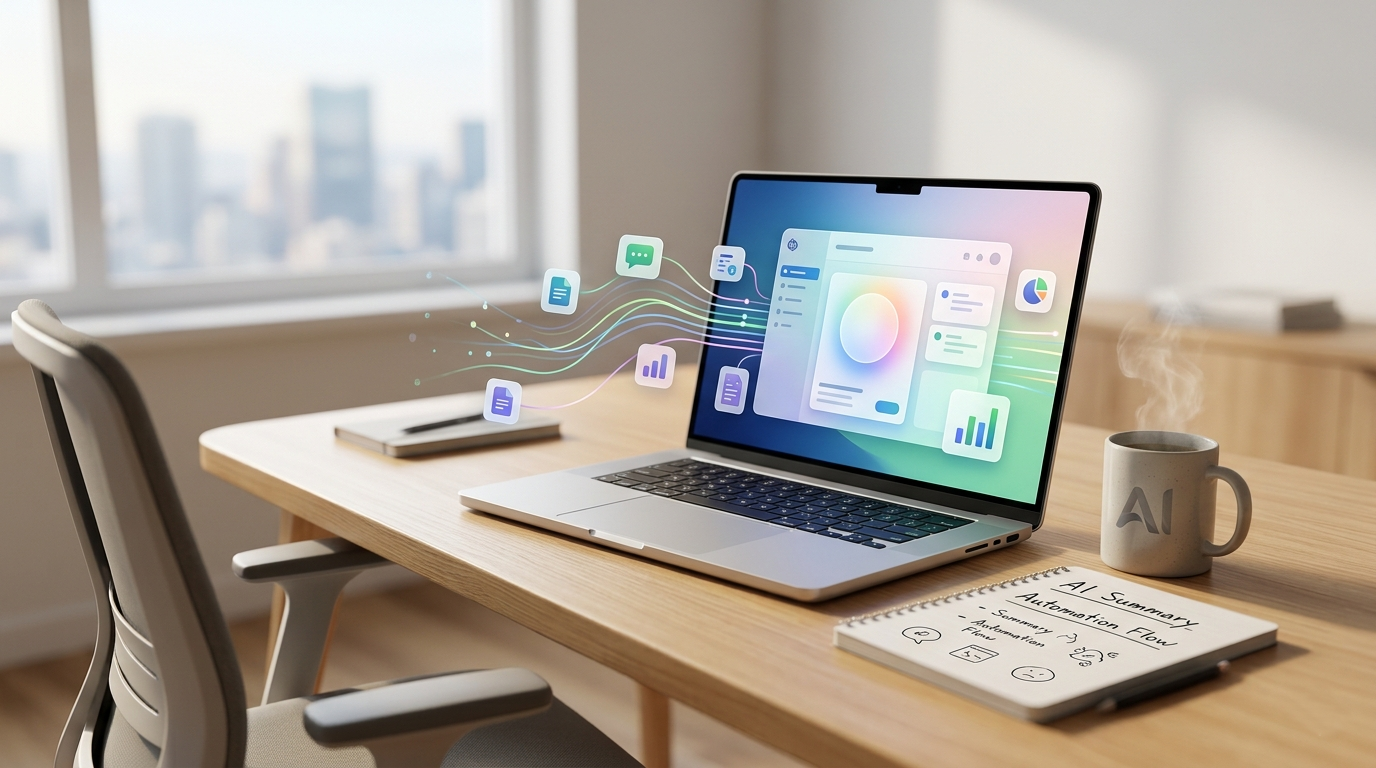
Let’s be real: we’re tired of hearing “AI will replace us.” We want to know how it can help us finish our work faster so we can go live our lives. The conversations around productivity have shifted. It’s no longer about finding a magic bullet that writes your entire report; it’s about finding the small, intelligent assistants that shave ten minutes off a dozen daily tasks.
Productivity in 2024 isn’t about volume; it’s about intelligence. The focus has moved from simple, rule-based automation (like “If I label an email, then archive it”) to AI that makes context-aware suggestions. Here is how specialized AI tools are moving the needle.
1. The Death of the Blank Page: Creative Copilots
Generating text is easy for modern LLMs, but making that text useful is the new challenge. Tools are now moving into deep workflow integration.
Grammarly has evolved from a simple spellcheck to an “intelligent writing partner.” Its latest features help users not just rewrite, but adjust the tone, structure paragraphs, and even summarize long documents directly within their browser or email client. This context-awareness means it can suggest, for example, making an internal update sound less formal than a client email.
Similarly, Notion AI is powerful because it exists exactly where your notes live. Rather than pasting text back and forth, you can ask Notion to transform messy meeting notes into a prioritized action list, generate blog post outlines from raw data, or simplify complex jargon. The value is contextual workflow.
2. The Great Unclogging: Admin and Communication
Ask anyone what the biggest time-sink is, and they will say ’email’ and ‘scheduling.’
For communication, Shortwave and Superhuman are popular for bringing AI intelligence to Gmail. They analyze your inbox, surfacing critical messages, drafting replies (Shortwave’s ‘instant reply’ uses your writing style), and summarizing long threads. These are designed to minimize ’email dread.’
For scheduling, the days of back-and-forth are ending. Reclaim.ai and Motion (using algorithms, sometimes called simple AI, and moving toward deeper models) don’t just find a free slot; they analyze your existing commitments, task list, and preferred working hours to automatically protect time for deep work, travel, and personal commitments, dynamically adjusting as the day changes.
3. Meetings that Matter: Automatic Insights
Meetings are where productivity goes to die, mostly because we’re too busy taking notes to participate.
This is where specialized tools shine. Otter.ai and Fireflies.ai are now essential. They don’t just generate transcripts; they use AI to produce automated meeting summaries, highlight key decisions, and assign action items with near-instant accuracy. Fireflies even integrates with project management tools to automatically create Jira tickets or Asana tasks directly from spoken discussion. The time saved post-meeting is often measured in hours.
Key Takeaway: Start Small
The secret to integrating AI is not to find one tool to rule them all. Start with one recurring pain point (e.g., long meeting synthesis, calendar chaos). Find a specialized tool, test it for a week, and see if it makes your workflow feel lighter. True productivity isn’t a robot doing your job; it’s your intelligent copilot letting you focus on the work that robots still can’t touch.
